Skip the queue. Find the elephants.
An app that helps visitors get the most out of a zoo visit.
- Role
- Sole UX Designer
- Timeline
- Winter – Spring 2024
- Tools
- Figma, Illustrator, Photoshop, Miro
- Responsibilities
- Research, UI, testing, UX writing
Overview
A zoo visit often starts with queuing to the ticket booth and continues with wandering. Where are the elephants? Where’s the toilet? When are they feeding the lions? Visitors often struggle to find information on-site, relying on static maps or scattered data.
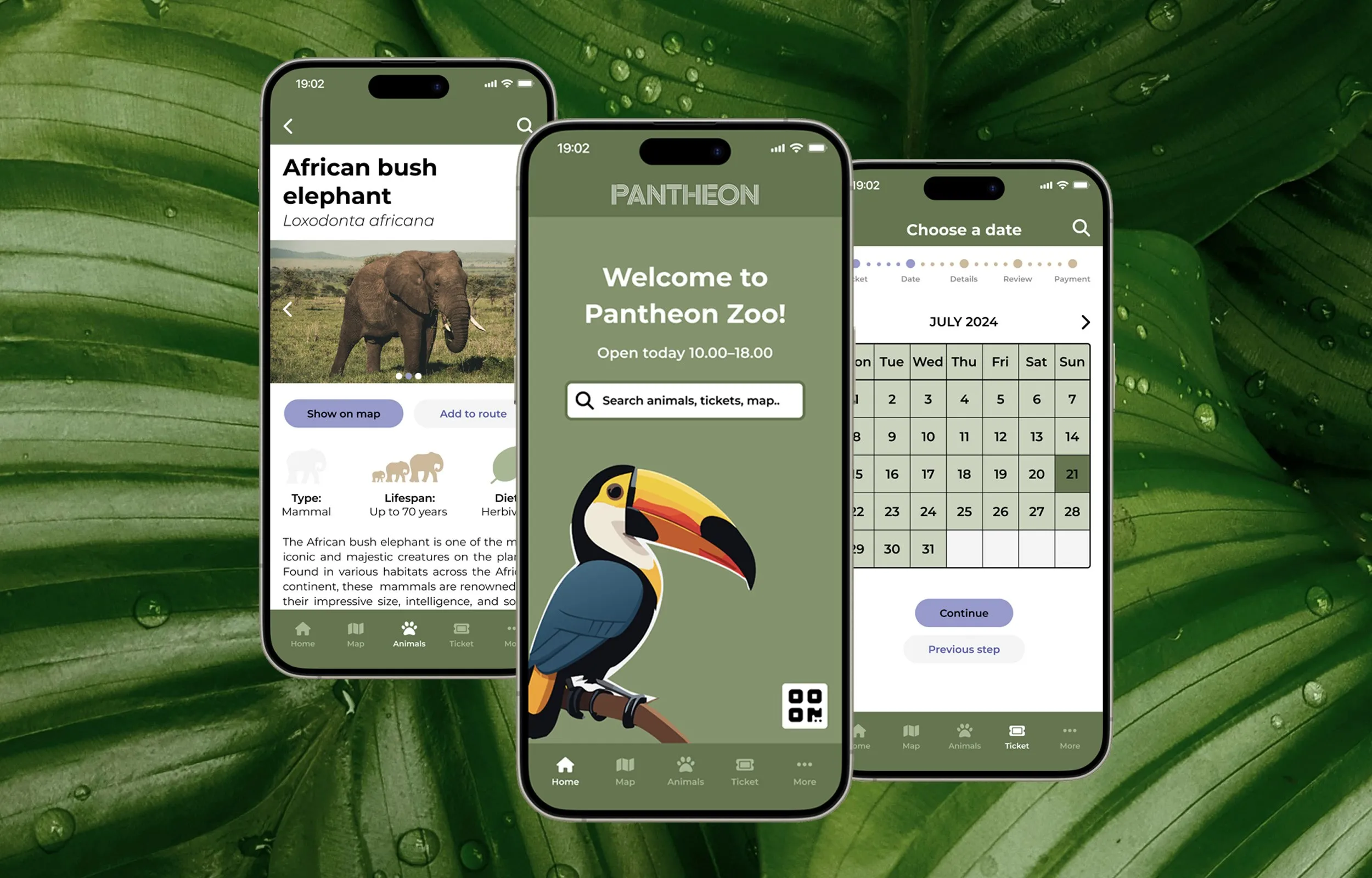
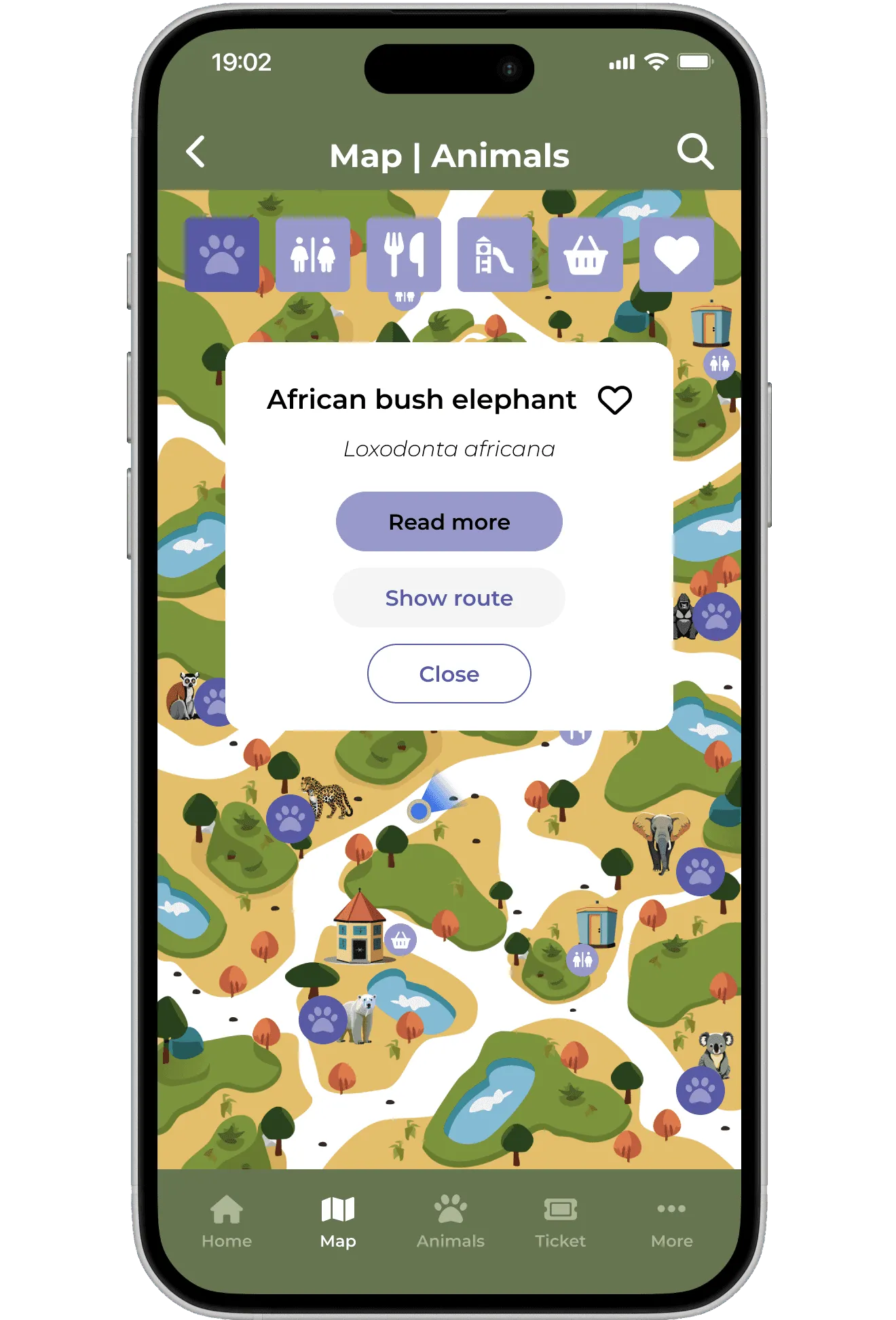
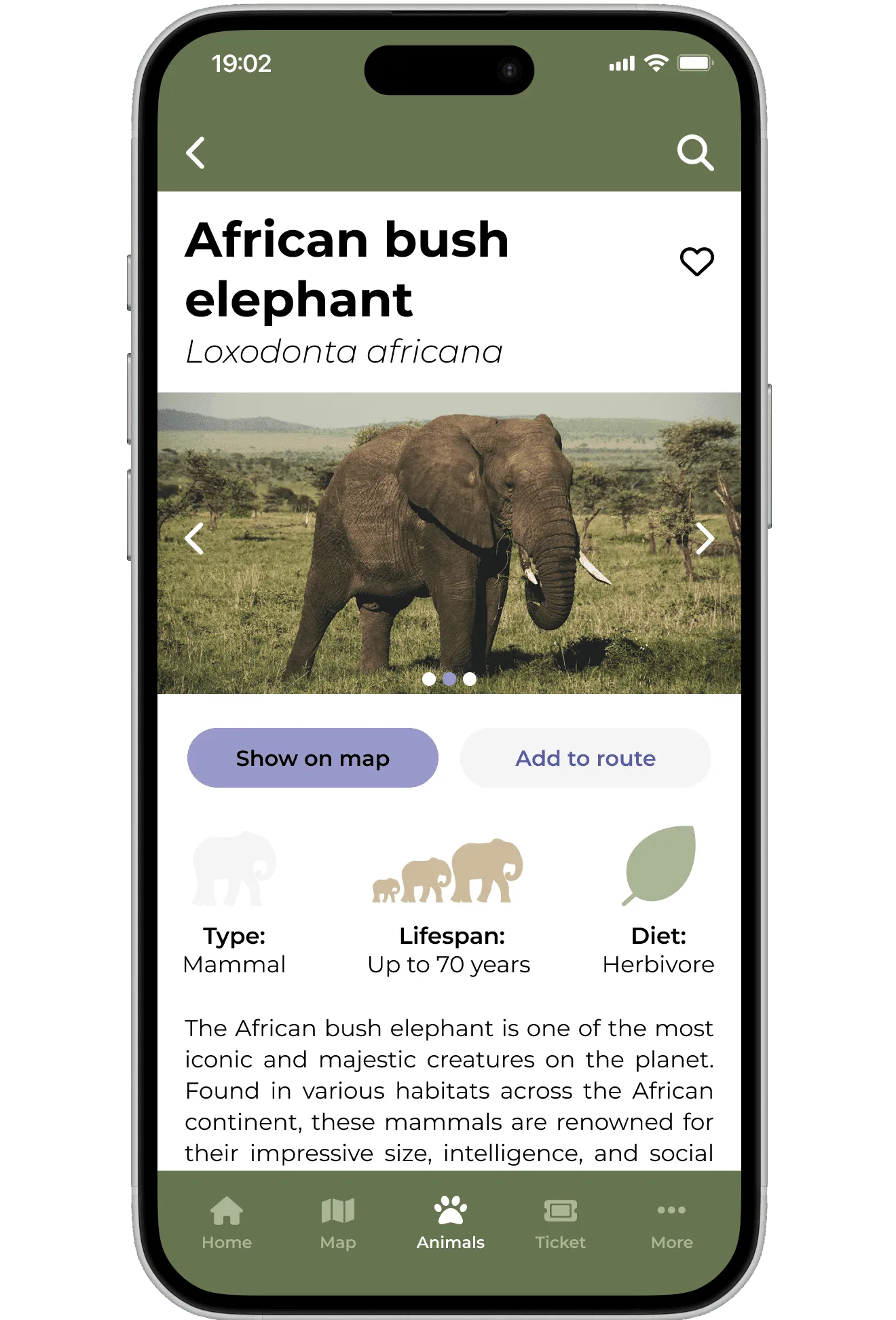
For my Google UX Design portfolio project, I designed a mobile app for the visit itself: buy your ticket beforehand and skip the queues, find your way in the zoo with a map that knows where you are, check the zoo’s agenda easily and learn more about the animal right in front of you.
Final design
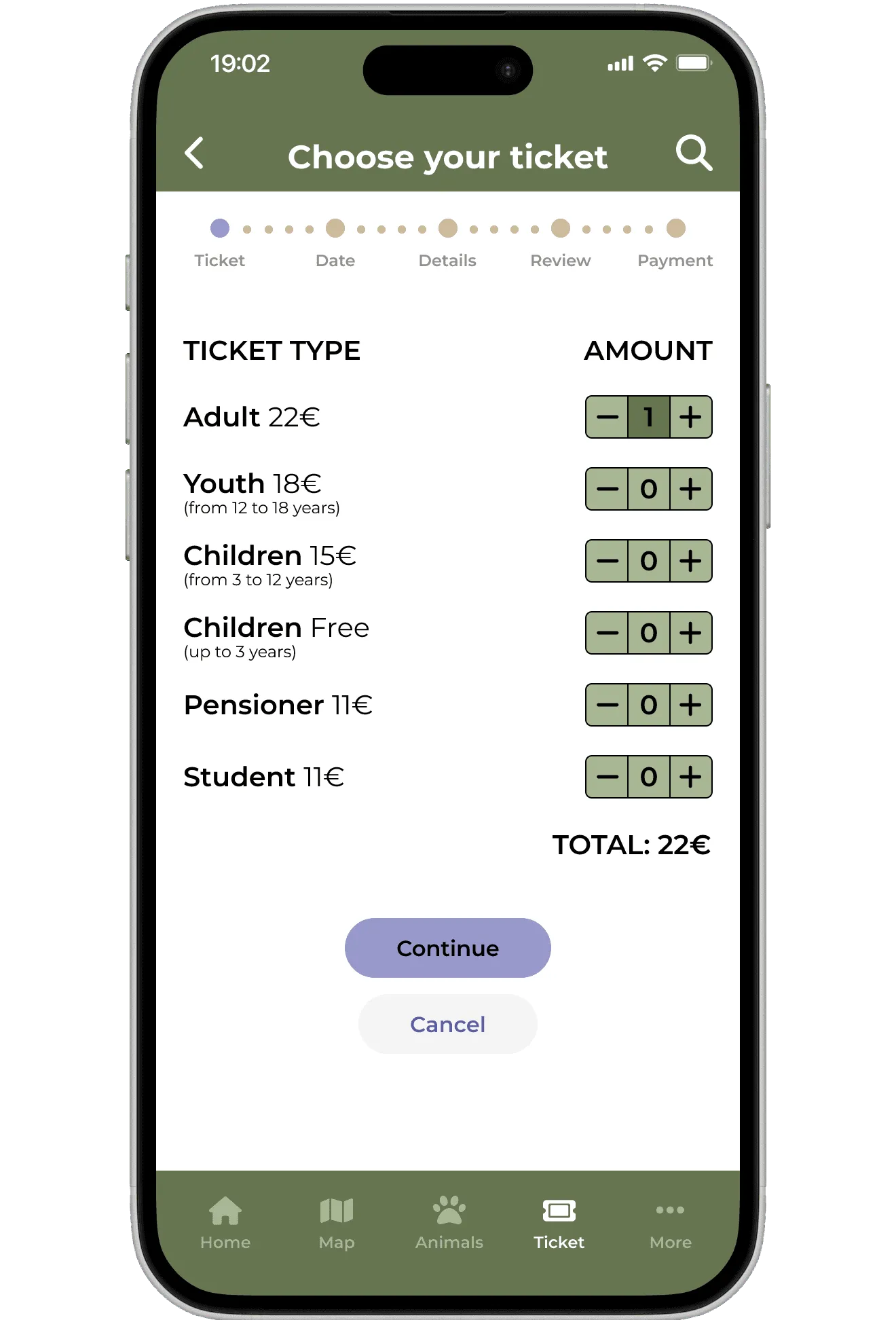
Buying a zoo ticket shouldn’t require an account
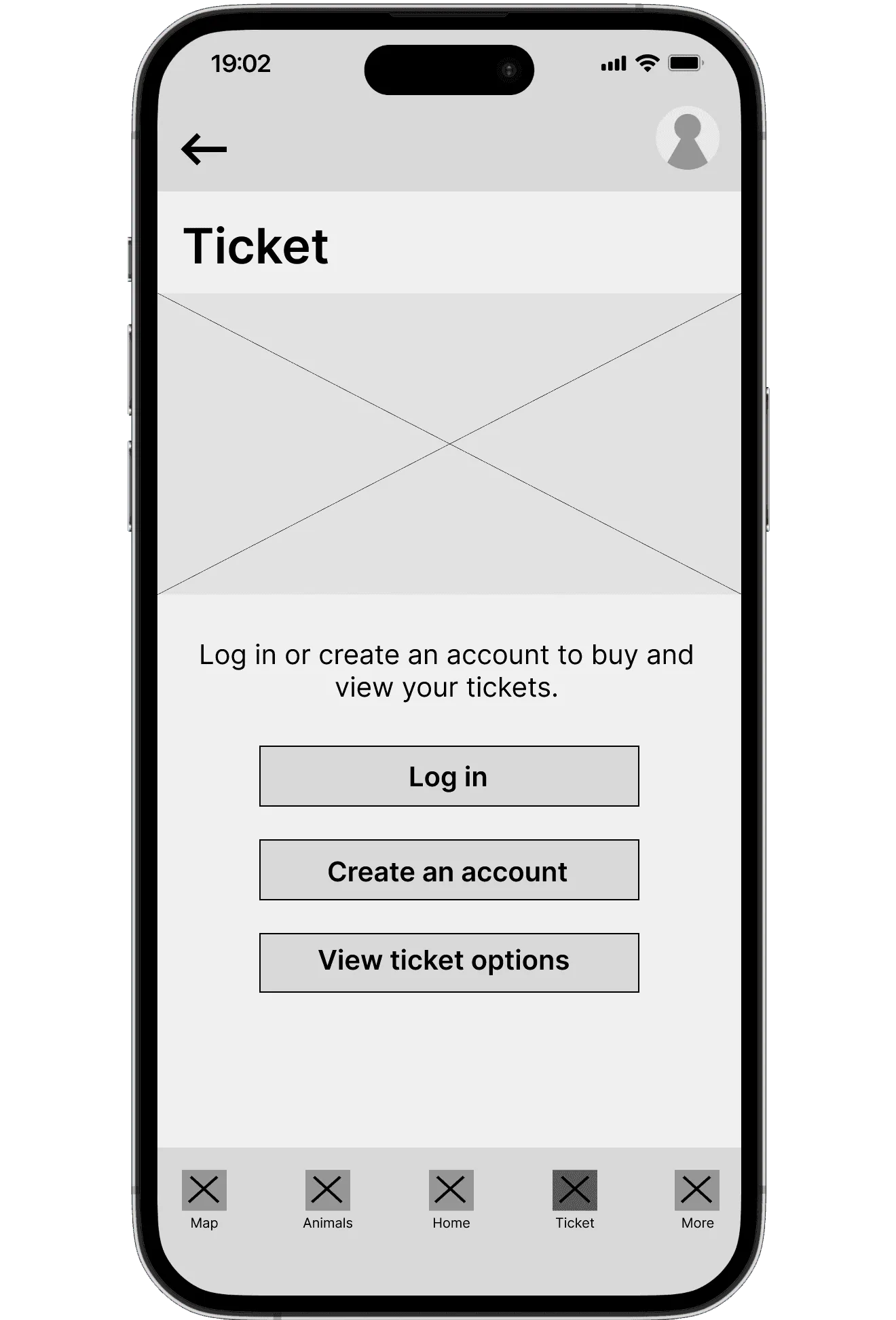
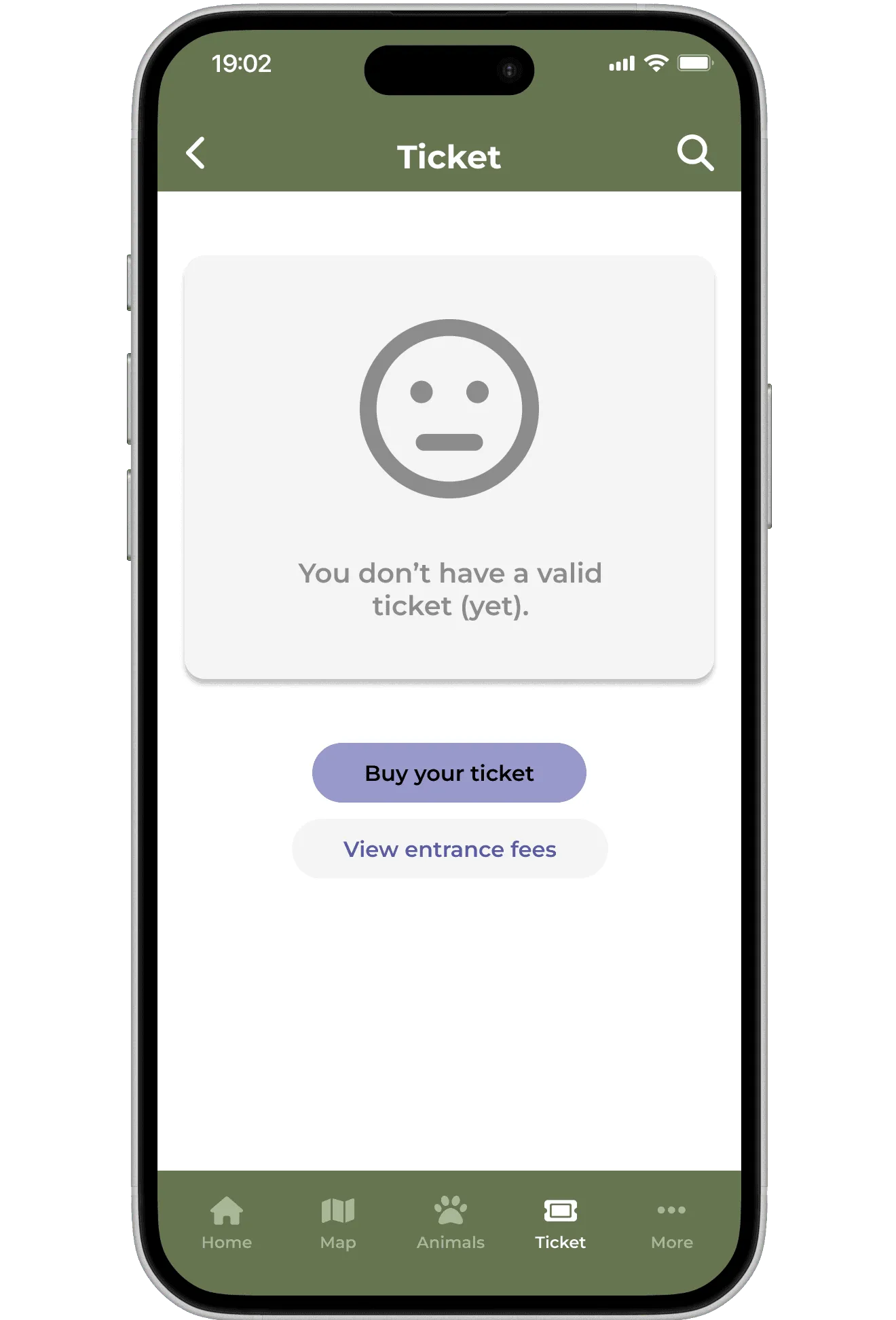
The competitors I audited didn’t let you buy a ticket in their app; if they did, it was a link to an external website. I decided to make buying a core feature instead so that app users can get into the zoo faster.
My first version was too complicated, requiring the user to sign up before buying a ticket. During the first usability study, I found out that this caused participants to stall in the purchase flow. To fix this, I simplified the user flow and removed the sign-up requirement. In the second study round, every participant completed the purchase without hesitating.
Before
After
Universal icons make navigating easier
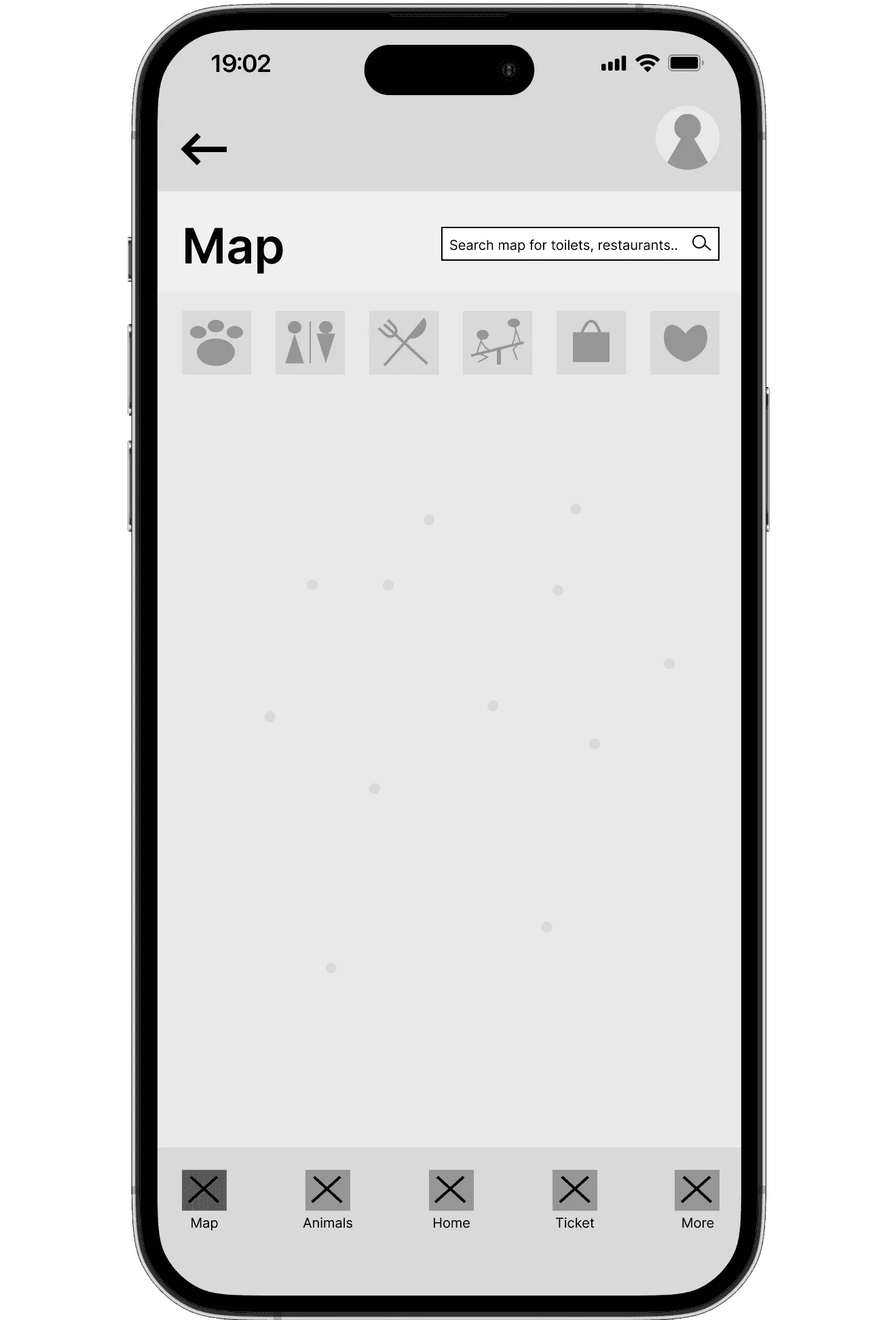
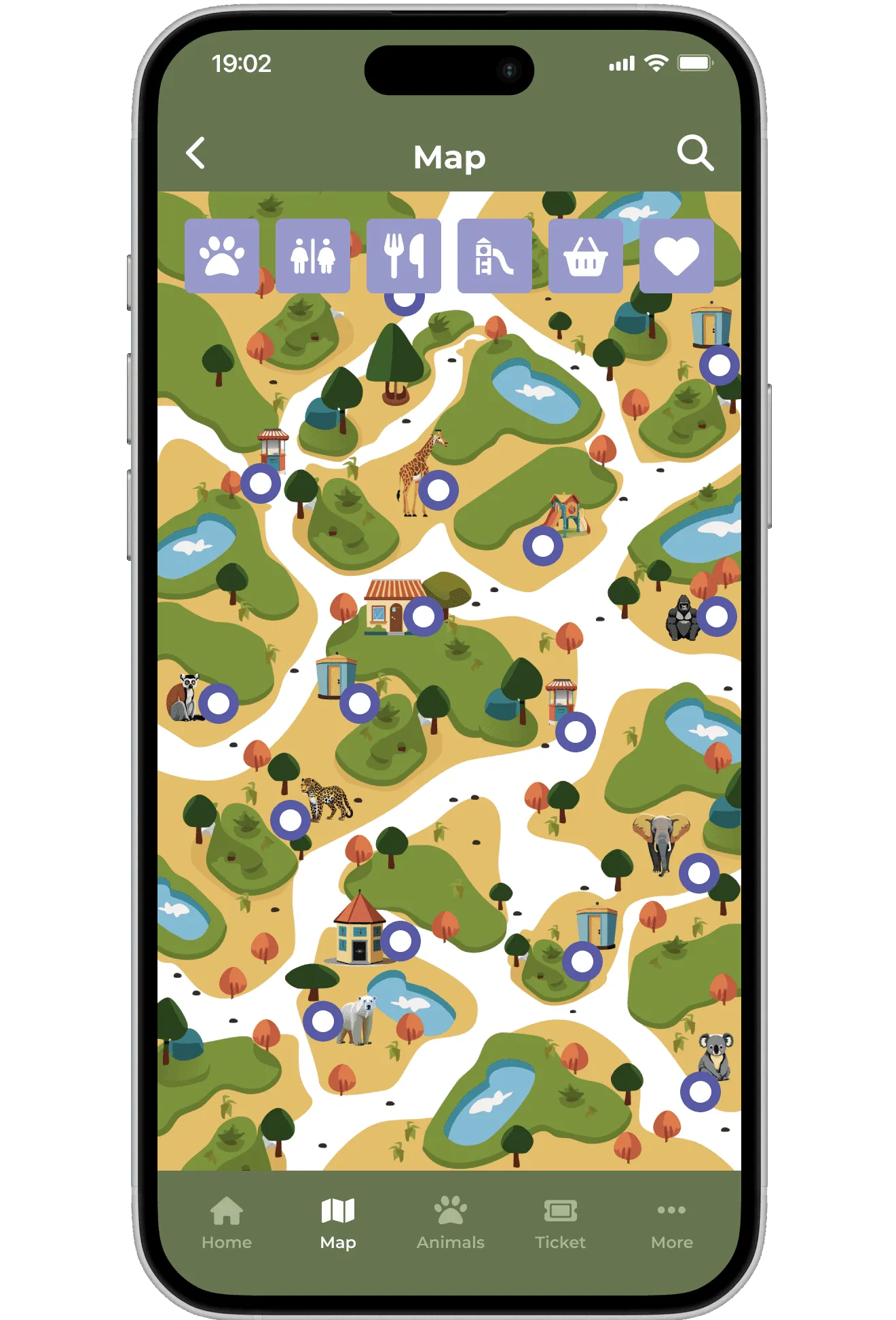
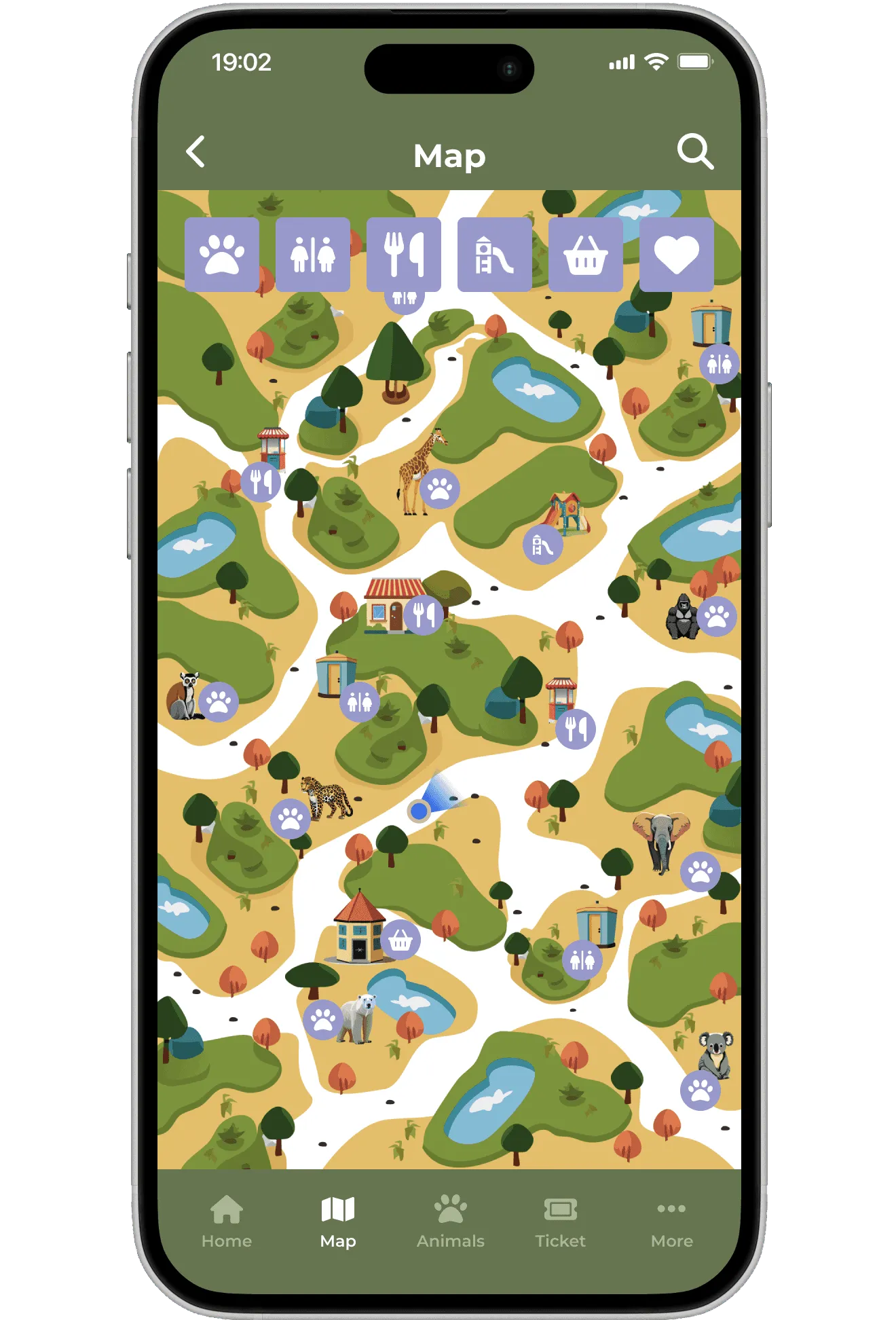
The map is one of the main features in the app. In the usability study round one, participants couldn’t understand my custom map symbols. I changed them to universal icons people already know. In round two of testing, the users understood the symbols but still wished to see more information on the map. For the final version, I replaced the dots with symbols matching the filter icons and added the user’s location.
1st version
2nd version
3rd version
Colour-coded scale on itself rarely tells the whole story
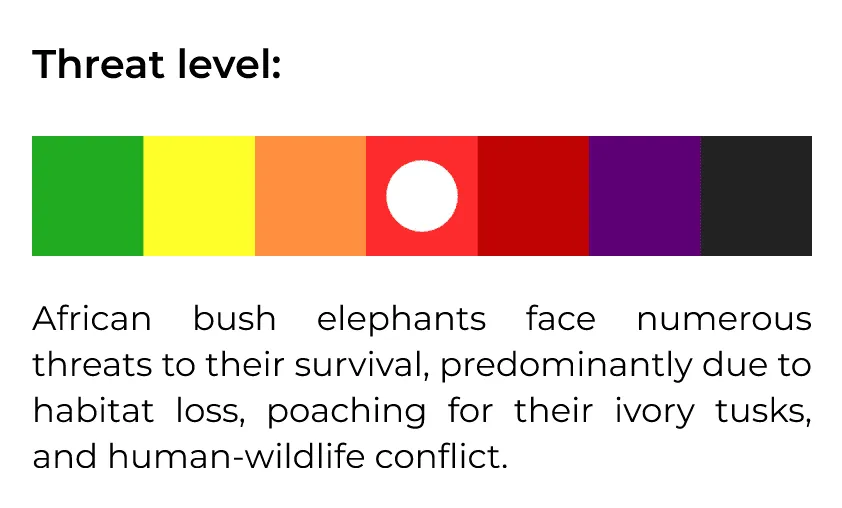
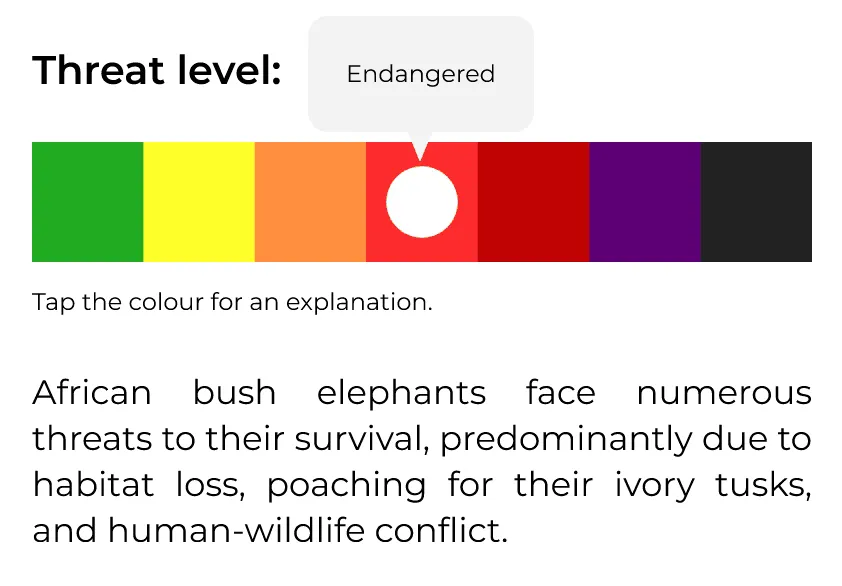
Each animal page shows the species’ conservation status on a colour-coded scale. In testing, the colours alone didn’t carry the meaning: participants weren’t sure what the scale was telling them. And for anyone with a colour-vision deficiency, it would have said even less. To clarify the colour-coded scale, I added text labels and tooltips to explain each level.
Old version, no explanation
Updated version, with a tooltip